
Tongue Escape Controls
WASD, thumbstick, and camera are Roblox-standard. Extend versus slide follows the HUD, not a made-up keybind.
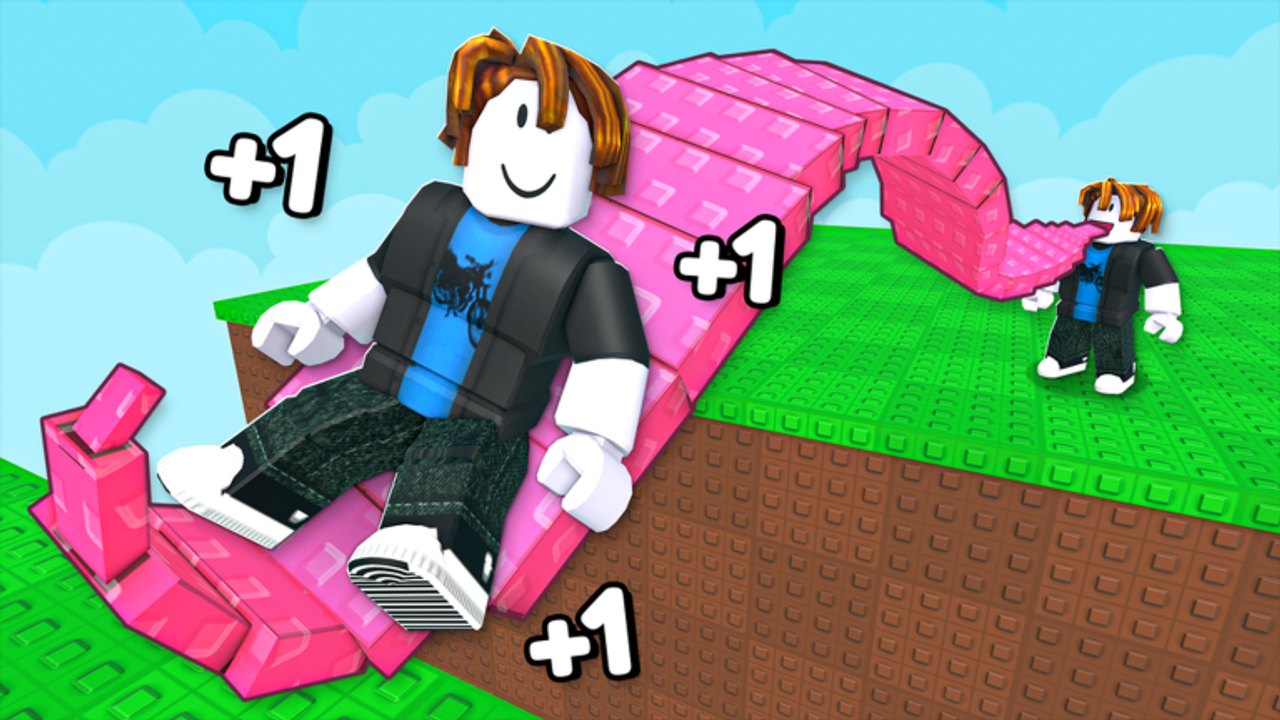
+1 Tongue Escape runs on ordinary Roblox movement. You still walk, jump, and swing the camera. The new verbs are extend and slide: grow the tongue into a bridge, then travel across it. This page covers PC, mobile, and console. It does not invent a fake extend key as if it were confirmed. If the live HUD names a button, that name wins over anything written here.
Read this after Getting Started if you already joined, liked the game, and found a trainer. Come back to how to extend your tongue once the camera stops fighting you.
PC: WASD, jump, and mouse look
On a keyboard and mouse, movement is the Roblox default:
- W A S D walk. Hold W toward the gap you want to bridge.
- Space jumps. Jump is for lining up on a pad or recovering on a platform. It is not a substitute for a tongue that is too short.
- Mouse aims the camera. Right-click drag (or the Roblox camera mode you already use) is how you see both platforms at once.
Typical of +1 incremental games, the dangerous moment is not walking. It is looking at the sky while the tongue is mid-slide. Before you extend, stop. Rotate until the near pad, the tongue path, and the far platform share the frame. Then use the HUD action for extend. Then use the HUD action for slide. Do not mash extra keys because a video overlay printed a letter we cannot verify.
Roblox camera options still apply. Shift lock, first person, and third person are client settings, not unique Tongue Escape binds. If the tongue clips your view, switch camera mode in Roblox settings instead of inventing a toggle that is not on the HUD.
Mobile: thumbstick and on-screen jump
On a phone or tablet:
- The left thumbstick walks.
- The jump button (usually on the right) is still jump.
- Drag the right side of the screen to move the camera, the same way most Roblox experiences work.
Thumbs cover UI. Before a slide, lift the stick so you are not drifting sideways. Typical of mobile obbies, a tiny left-stick drift is enough to walk off a tongue that was otherwise long enough. If an on-screen button is labeled extend or slide, tap that. If the action is a hold, the HUD usually shows a hold. We do not list a secret tap combo here.
Portrait play makes gaps harder to read. Landscape gives you more horizontal view, which matters when the tongue is the bridge. Sensitivity lives in Roblox settings; turn it down if the camera yanks past the landing.
Console: sticks and a face-button jump
On a gamepad:
- Left stick moves.
- Right stick looks.
- A face button (A on Xbox-style pads, Cross on PlayStation-style pads in typical Roblox mapping) jumps.
Tongue actions, again, follow the HUD. If the experience binds extend to a trigger or a bumper, the on-screen prompt will say so. This wiki will not guess R2 or RT as fact. Stick dead zones matter: a loose right stick during a slide is the console version of looking at the sky.
Extend versus slide (read the HUD)
Two actions sit at the center of the game:
- Extend grows the tongue toward the next platform so it can work as a bridge.
- Slide sends you across that bridge.
How those map to click, hold, or an ability key is labeled in the live UI. Typical of +1 incremental games, one action is a grow or fire, and the other is a commit to travel. Mixing them is how you extend while already falling, or slide a tongue that never reached the far pad.
Do not treat extend as a skip for length. Length still comes from trainers. A control input cannot fake a tongue that is too short. If the far platform is clearly beyond the tip, stop, return to a pad, and read how to extend your tongue instead of mashing.
Camera habits that save a slide
Most early fails are camera fails, not missing secret binds:
- Keep both platforms on screen before you extend.
- Do not look straight down the whole time. You need the landing, not only your feet.
- After a fall, the game sends you back. Reset the camera before you retry. Sliding on a leftover angle is how you repeat the same miss.
- On a 16-player server, other tongues can fill the frame. Strafe a step so your own tongue is the one you are judging.
If you still cannot tell whether the tongue reached, you do not have a controls problem. You have a length problem. That is a stage pacing issue: wait on the pad until the bridge is obvious.
What not to invent
This page will not list E to extend, Q to retract, F to slide, or any other letter as if it were confirmed. It will not claim a double-jump, a dash, or a tongue-aim gyro. If a patch adds a new prompt, the HUD will show it, and patch notes is the place to check after downtime.
Scripts that auto-aim or auto-slide are not controls. If you look at automation anyway, start at script safety, not a bind chart. Executors can ban the account.
Practice loop (five minutes)
- Stand still. Pan the camera until a nearby gap is fully visible.
- Read the HUD. Note which control it names for extend and which it names for slide.
- Extend once. Watch the tongue, not the chat.
- Slide only if the far pad is in range. If it is not, walk back to a trainer.
- After a fall, do not change keys. Change length and camera.
When that loop feels boring, you are ready to treat gaps as stages. Open how to beat stages for pacing and Wins. If you came here from a failed first session, return to Getting Started and finish the like-and-group clicks on like and group rewards.
Controls do not replace trainers. They only stop you from wasting the length you already grew.
Frequently Asked Questions
Quick answers for Tongue Escape players.
What are the PC controls in Tongue Escape?
WASD walks, Space jumps, and the mouse aims the camera. Extend and slide follow the HUD label. This wiki does not invent a letter key as fact.
How do I play Tongue Escape on mobile?
Use the left thumbstick to walk, the on-screen jump button to jump, and drag to look. Stop stick drift before a slide. Tap or hold the HUD action the game shows for extend and slide.
What key extends the tongue?
Whatever the HUD names. Typical of +1 incremental games, extend is a click, hold, or ability prompt. A made-up E or Q bind is not treated as a fact on this page.
Does Tongue Escape work on console?
Yes, through Roblox on a gamepad. Left stick moves, right stick looks, and a face button jumps. Tongue actions still follow on-screen prompts, not a guessed trigger.
Why does my camera fight me during a slide?
You are probably looking at the sky or dragging the stick while moving. Stop, frame both platforms, then commit. Sensitivity lives in Roblox camera settings.
Can I change control sensitivity?
Yes, in Roblox camera and shift-lock settings. Tongue Escape does not need a custom bind file. If gaps are still impossible, you need more length, not a new key.